
Last Updated: June 2026
Quick answer: For a Korea SIM card, the easiest options are a prepaid tourist SIM, an eSIM, or pocket WiFi — booked online before you fly is cheapest and gets you online the moment you land. You’ll need data constantly for maps, translation, and taxis; unlimited plans run about ₩5,000–10,000 a day.
Getting a Korea SIM card — or an eSIM — is one of the first practical things to sort for a trip, alongside your entry requirements, because in Seoul you’ll lean on mobile data constantly: maps that actually work (Google’s don’t, here), translation apps, taxi-hailing, and messaging. The good news is that staying connected is cheap and easy, with options to suit every kind of traveler, and you can be online the moment you step off the plane. This guide breaks down the choices so you don’t overpay or land offline.
We’ll cover SIM vs eSIM vs pocket WiFi, where to buy, what it costs, and how to pick the right option for your trip.
Table of Contents
- Do You Need a Korea SIM Card?
- SIM vs eSIM vs Pocket WiFi
- Where to Buy a Korea SIM Card
- How Much Does It Cost?
- How Does an eSIM Work?
- Which Option Should You Choose?
- Is There Free WiFi in Seoul?
- Tips for Staying Connected
- Plan Your Trip
Do You Need a Korea SIM Card?
For all practical purposes, yes — a Korea SIM card (or an eSIM, or pocket WiFi) is close to essential. Seoul runs on apps: Naver Map and KakaoMap for navigation (Google Maps is unreliable in Korea), Papago for translation, Kakao T for taxis, and messaging to stay in touch. Public WiFi is widespread but patchy when you’re moving, so having your own data makes everything smoother. Unless you’re staying put with hotel WiFi the whole time, plan to get connected.
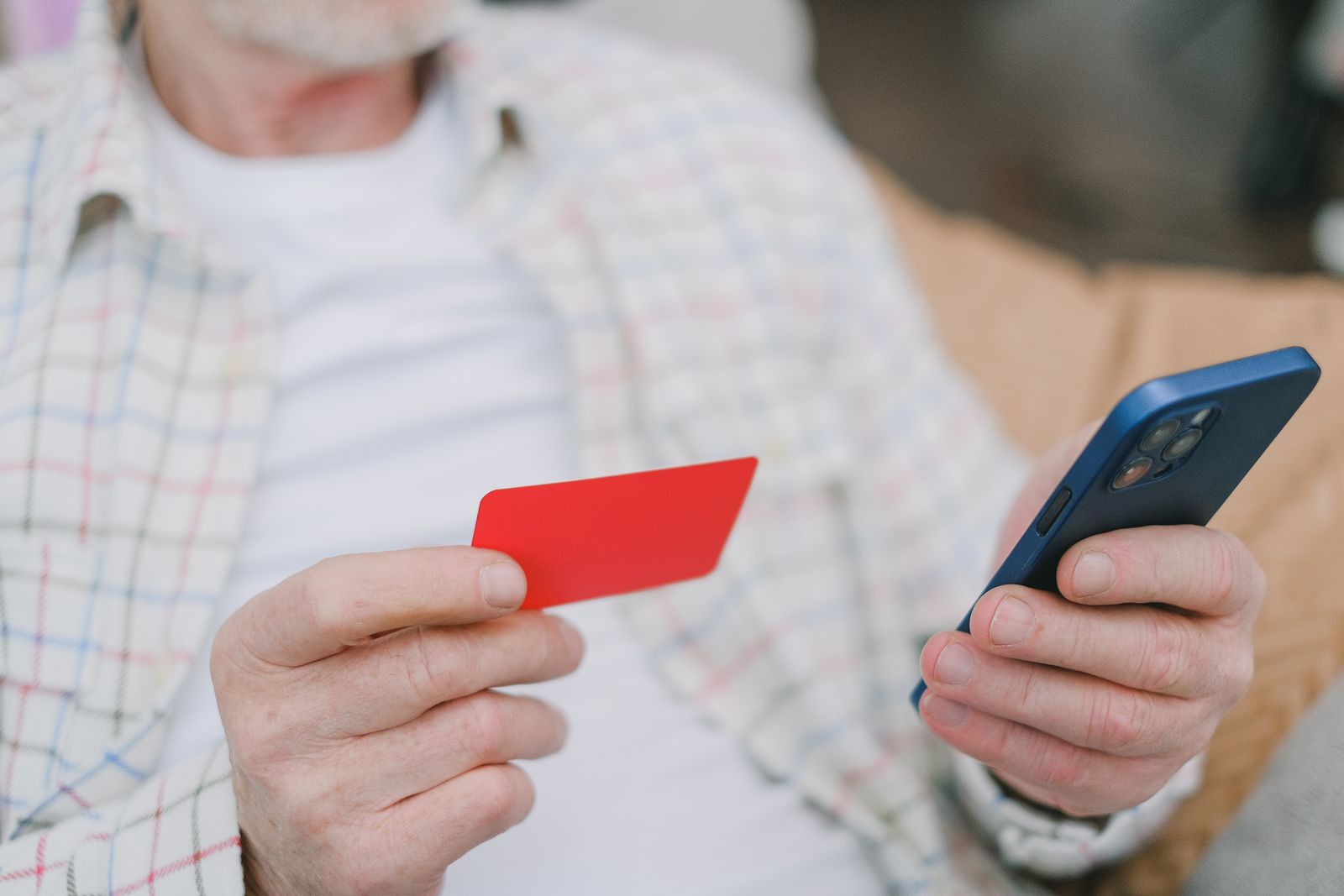
SIM vs eSIM vs Pocket WiFi
There are three main ways to get online:
- Physical SIM card — a prepaid tourist SIM you slot into an unlocked phone. Cheap, simple, and works on any unlocked handset; you swap out your home SIM.
- eSIM — a digital SIM you install by scanning a QR code, with no physical card. The most convenient option if your phone supports it, and you keep your home number active alongside it.
- Pocket WiFi — a portable router that connects multiple devices at once. Best for groups, families, or travelers carrying several gadgets, though it’s one more thing to charge and carry.
Where to Buy a Korea SIM Card
You have a few options. At Incheon Airport, telecom counters in the arrivals hall sell tourist SIMs on the spot — convenient, if a little pricier and sometimes queued. Online in advance is usually cheaper and the least hassle: you book before you fly and either pick the SIM up at the airport or install an eSIM and arrive already connected. Convenience stores and shops in the city also sell SIMs if you’d rather wait. Booking ahead is the move for most travelers — you reserve a SIM, eSIM, or pocket WiFi🎫 online and skip the airport scramble.
How Much Does It Cost?
Data is affordable. Prepaid tourist SIMs and eSIMs are typically priced by the number of days, with most short-trip unlimited-data plans landing in the rough range of ₩5,000–10,000 per day, and longer plans working out cheaper per day. Pocket WiFi rentals are usually a few thousand won a day plus a deposit. Booking online generally beats the airport-counter price, and unlimited-data plans are worth it given how much you’ll lean on maps and translation.
How Does an eSIM Work?
An eSIM is the easiest option if your phone supports it (most recent iPhones and flagship Androids do). You buy the plan online, receive a QR code, and scan it to install the eSIM before you travel — then simply switch it on when you land and you’re connected, with your home number still active for calls and texts on your original SIM. There’s no physical card to fumble with, nothing to pick up, and no risk of losing your home SIM. Check your phone is unlocked and eSIM-compatible before buying.
Which Option Should You Choose?
Which option to choose depends on your phone and your group. eSIM is ideal for solo travelers with a compatible phone who want zero hassle and to keep their home number. A physical SIM suits anyone on an older or incompatible handset, or who just prefers a card. Pocket WiFi wins for families and groups who want to share one connection across several phones and tablets. For most independent travelers in 2026, an eSIM booked before the flight is the simplest, cheapest path to landing online.
Is There Free WiFi in Seoul?
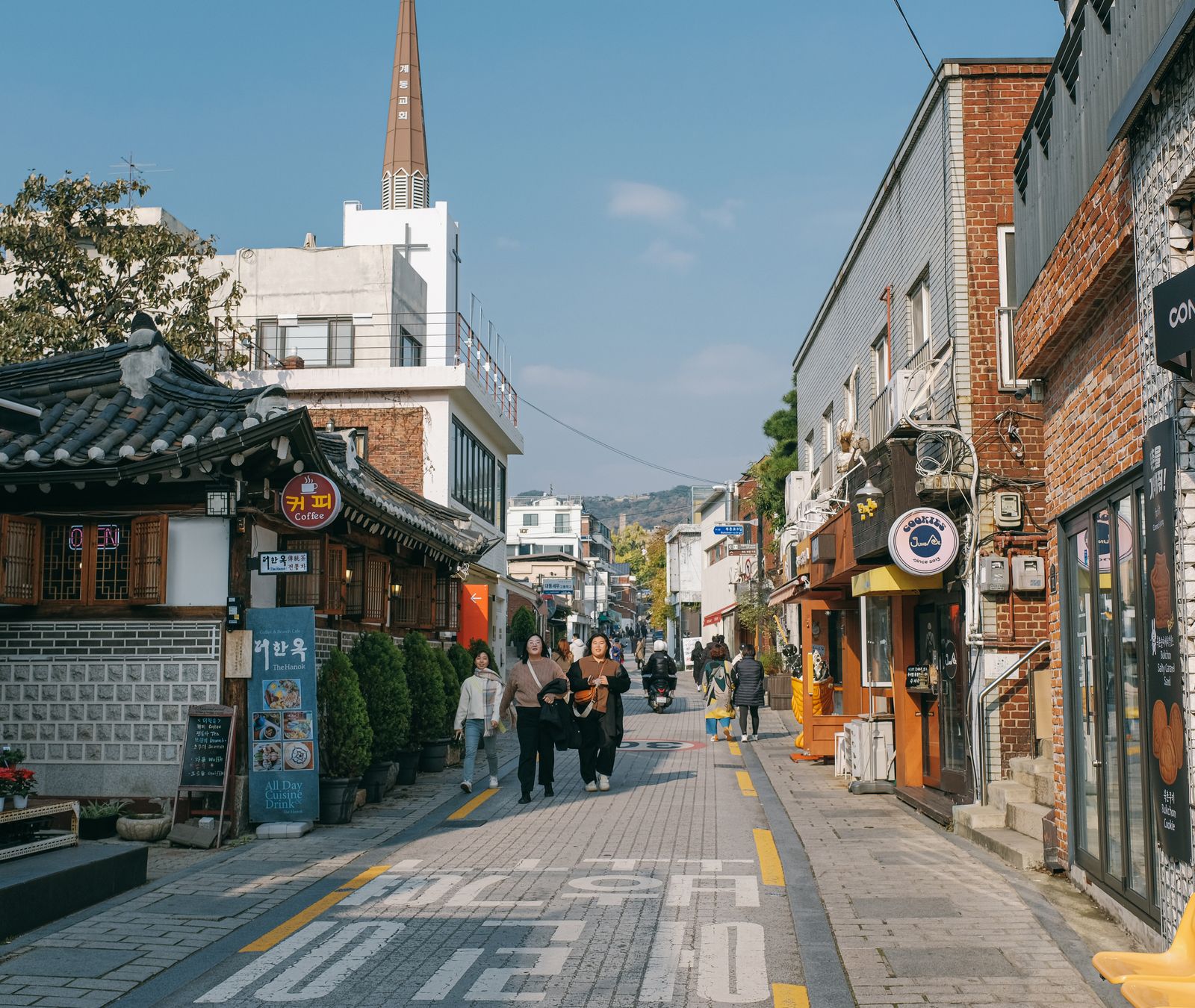
Yes — Seoul is one of the most connected cities on earth, and free public WiFi is genuinely widespread. You’ll find it in the subway and on many buses, in cafés and convenience stores, in malls, and at tourist spots, often under networks branded for the city or the transit system. For a traveler who mostly moves between hotel, café, and sights, you can get by on free WiFi alone in a pinch.
The catch is reliability on the move: public networks drop as you walk, can require a local sign-in, and won’t help when you’re navigating an unfamiliar street or hailing a taxi. That’s exactly when you need data most. So treat free WiFi as a useful backup that saves a little data, not a replacement for your own SIM or eSIM — the small cost of staying always-connected is worth it for the maps and translation alone.
Tips for Staying Connected
- Book before you fly. It’s cheaper than the airport and you arrive already connected.
- Check compatibility. Confirm your phone is unlocked and eSIM-ready before buying an eSIM.
- Go unlimited. Maps, translation, and navigation eat data — an unlimited plan saves worry.
- Download the local apps. Naver Map, KakaoMap, Papago, and Kakao T before you arrive.
- Keep your home SIM. With an eSIM you keep your number live for important texts and verification codes.
Plan Your Trip
Start by booking your flights to Seoul✈️. Once your dates are set, here’s how to plan the rest.
Get connected first. Sort a SIM, eSIM, or pocket WiFi🎫 before you fly so you land online and ready to navigate.
Then use it well. Our guide to getting around Seoul covers the maps and transit apps you’ll lean on, and our 4-day Seoul itinerary maps out the trip itself.
Disclosure: This post contains affiliate links. If you book through these links, I may earn a small commission at no extra cost to you. I only recommend services I’d use myself.